
FAQ
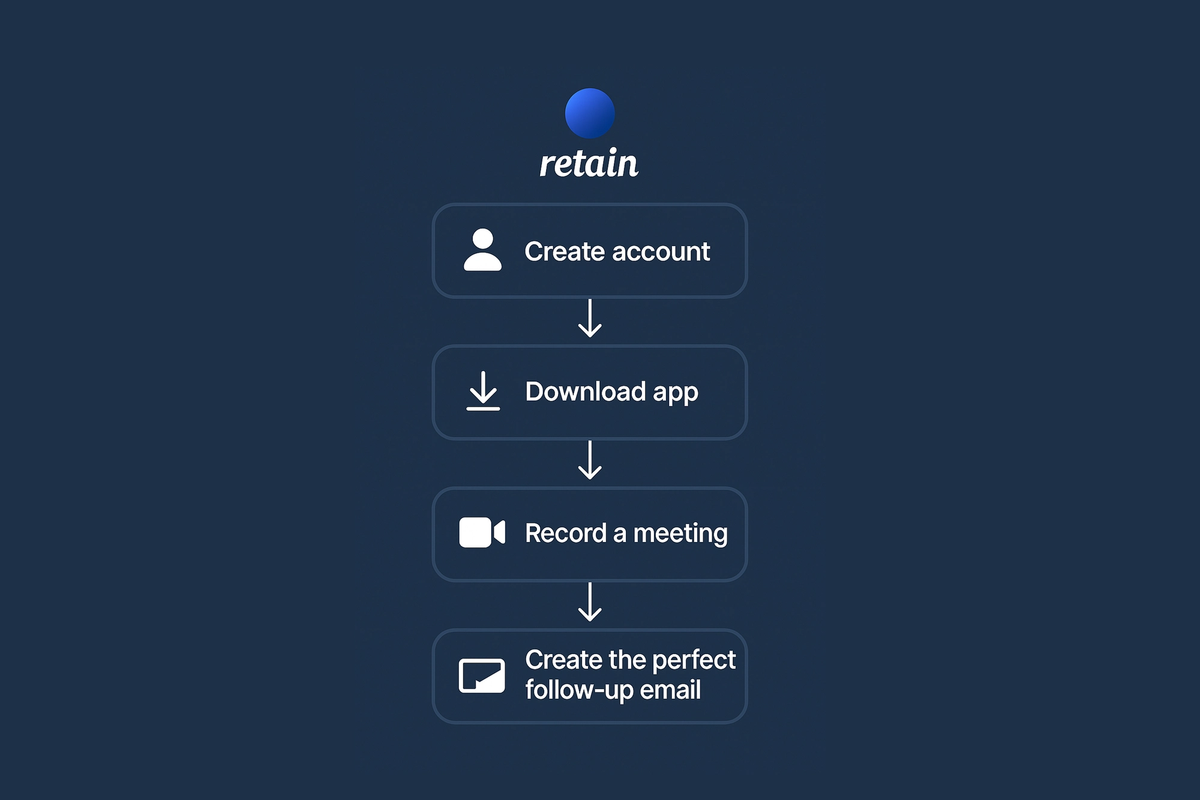
Short answers to the questions people ask first about Retain: who it is for, what it needs, which app to use and where your data goes. Each answer points to the article that covers it in full.
Who is Retain for?
People whose meetings end in something that has to be designed, measured or built: software engineers, product managers, engineering managers and data scientists. If you use Claude Code or Codex, Retain is where your agent finds what was said and where it reports what it built. See What Retain is.
How is it different from an ordinary meeting notetaker?
It records and transcribes like one, then keeps going after the notes. A discussion becomes a design doc written against your code, a product requirements document or a notebook. A design becomes a build packet that your coding agent builds. The Work list, pull requests and a morning digest then track it until it ships. See From a meeting to a design doc and Build packets.
Do I need Claude Code or Codex?
Not to record, transcribe, keep Threads, write design docs or run notebooks. You need one to build a packet, because the coding agent is what reads your code and writes the change. Either works. Claude and ChatGPT can also connect to search and read your Retain, but the slash commands and builds belong to Claude Code and Codex. See Connect Claude Code or Codex.
Which coding agent works for what?
- Building a packet. Claude Code and Codex both work. In Claude Code you type /retain:apply; in Codex, $retain-apply. See Explore, design, apply.
- Grounding a design in your code. This uses Codex, running read-only on your Mac. Claude Code is not used for it. See Grounding a design in your codebase.
Does Retain write code?
No. Retain keeps the packet: the reason for a change, the design, the requirements and the tasks. Your coding agent writes the code, in your repository, on your computer. Retain shows its progress and its pull requests. See The Build tab.
Does it work without a codebase?
Yes. Without one, a design request gives you a single design document written from your meetings and email, with anything unconfirmed marked unverified. With a codebase connected, the design is written as the first two parts of a packet and cites your files. Notebooks and PRDs need no codebase either. See Writing a PRD.
Mac or iPhone?
Record on either. The Mac does more: it captures the other people on a call, offers local transcription, reads pull request status from GitHub, and runs notebook code. The iPhone shows your Work list, packets and Build tab, and lets you add pull requests by address. A notebook opens read-only on iPhone. See Notebooks.
Where do my audio and my code go?
By default Retain Cloud transcribes your audio on Retain's servers. With local transcription the audio stays on your Mac, and the transcript goes to your account. Your code is not uploaded: Codex reads it on your Mac, and only its findings and excerpts go to Retain to write the design. Notebook code runs on your Mac. See Privacy and security and Local transcription.
Something is not working
See Common issues. For the Mac's shortcuts, see Keyboard shortcuts.
Need help?
Can't find what you're looking for? Contact our support team for a quick reply.