
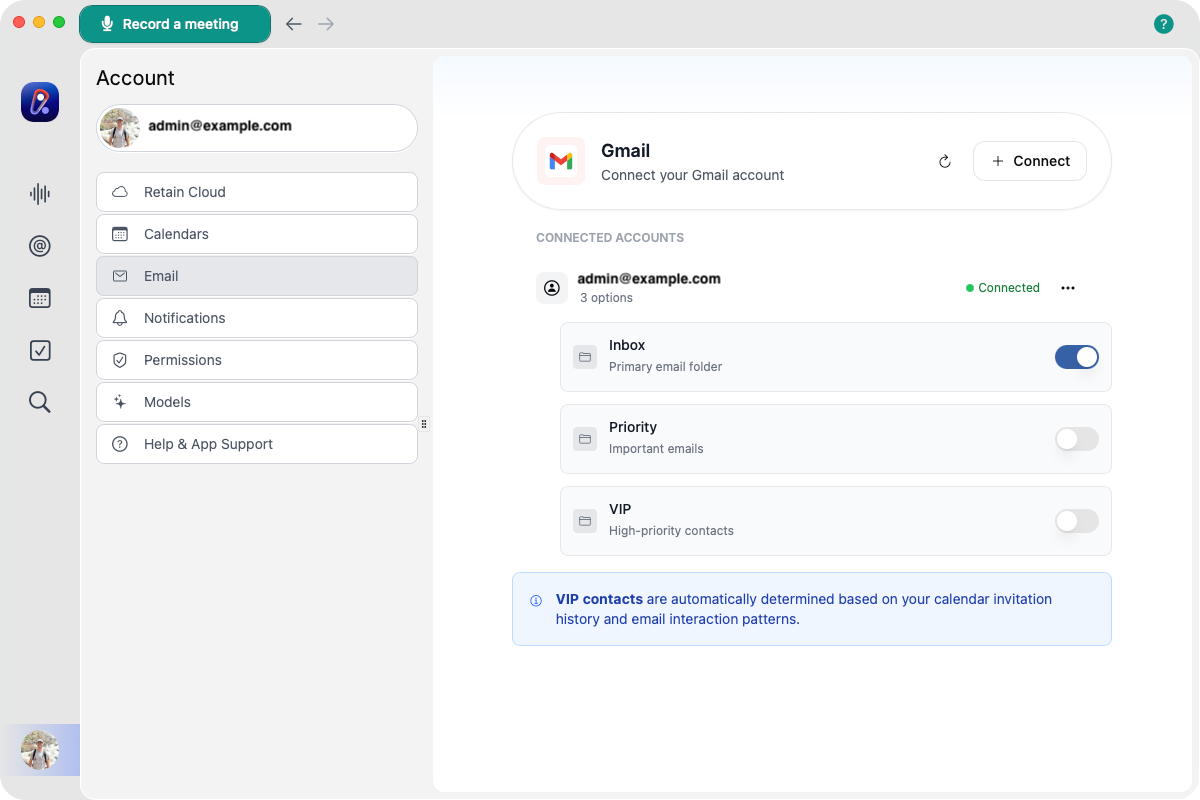
Retain reads your Gmail so that a Thread can follow a matter across meetings and email, and so your agent can find the message behind a commitment. It can also write a reply and put it in your Gmail Drafts. It never sends anything. This page covers connecting, what Retain does with your mail, and where it stops.
Connect Gmail
- On the Mac, open Settings and choose Email. Under Connected apps, select Connect next to Google, then finish in your browser. The row shows Finish in browser while it waits and Connected when Retain sees the account.
- On iPhone, open Settings and find Gmail for Threads, which says where setup stands and offers Connect Gmail, Reconnect Gmail or Use Gmail for Threads. Home can also invite you to connect.
Connecting asks Google for permission to read your mail and to create drafts. It also covers your calendars, which you then choose in Calendar. Only Gmail is supported.
To disconnect, open Settings, choose Calendars, open the menu beside the account and choose Disconnect. This stops calendar and email for that account.
What Retain does with email
- Follows matters in Threads. Your mail is evidence in a Thread's timeline beside your meetings. See Threads and what's owed.
- Shows new mail on a Thread. Mail that arrives after the Thread was last written appears in an Unread mail section on the Thread, and the Thread list marks it. Opening a message marks it seen. A message matched as a reply can be removed from the Thread. This is turned on account by account.
- Writes drafts. When a Thread's next step is a reply, Retain writes one from the Thread and the conversation. Open in Gmail saves it to your Gmail Drafts under the conversation it answers and opens it. Saving again updates the same draft. Where your account offers it, a Sync drafts to Gmail switch in Settings does this in the background and the editor says Synced.
- Recognises what you sent. A synced draft you send from Gmail moves to Sent & archived on its Thread.
- Searches from your agent. Where email search is on for your account, your agent can search and read your mailbox, by exact words or by meaning, and cite the message. Search in the Mac and iPhone apps has an Emails scope too. See What your agent can do.
How far back it reaches
In Settings, the Inbox depth slider sets how many of your newest emails from the last 180 days Retain imports, from 1,000 to 10,000 in steps of 1,000. It starts at 1,000. New email is always added. A deeper setting reaches further back from the next sync and takes longer the first time. A shallower one removes nothing already indexed.
What it does not do
- It does not send email. Drafts wait in Gmail for you.
- It does not delete, archive or label your mail.
- It does not read attachments.
- It does not work with providers other than Gmail.
Need help?
Can't find what you're looking for? Contact our support team for a quick reply.