
From your first meeting to your first shipped change
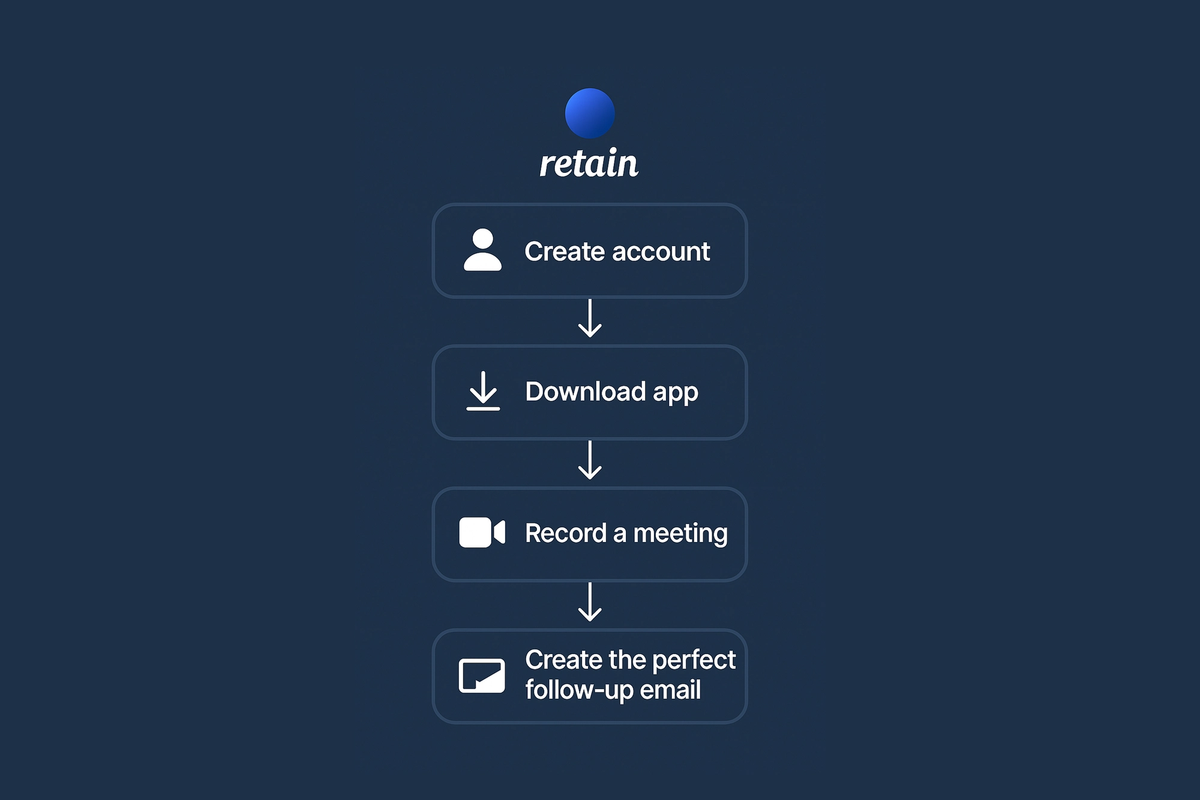
This walk-through takes one meeting all the way to a pull request: record it, read the notes, turn the discussion into a design written against your code, build it in your coding agent, and follow it to done. Each step links to the page that goes deeper.
Before you start
Install the app and sign in. Use the Mac app if you want the design to read your code. Then connect Claude Code or Codex.
1. Record a meeting
On the Mac, open Memories and choose Record. On iPhone, open the Memories tab and choose Record. Pick the meeting type if the default is wrong, and choose Done when the meeting ends. Retain writes the notes, and the memory opens. See Recording and transcripts.
2. Read the notes
The memory opens on Summary, shaped to the meeting type. Transcription has every line with its speaker and time. See Meeting types for what each type writes, and Threads and what's owed for how meetings add up to what is open.
3. Ask for a design, with your codebase attached
Under Potential actions on the memory, open the design step. Choose the approach, then find the Codebase row, choose Choose Folder… and pick your project. Select Use This Codebase, then Write. Retain asks Codex on your Mac about your code and writes the design against the answers. See From a meeting to a design doc and Grounding a design in your codebase.
With a codebase, the result is a build packet: the proposal and design for one change. Without one, you get a single design document.
4. Start the build from the Build tab
Open the packet and select its Build tab. Choose Claude Code or Codex and copy the command it shows. Paste it into your agent in a session that has the repository open. The agent writes the requirements and tasks against your code, sends them back to Retain, and builds. See The Build tab and Explore, design, apply.
5. Watch the pull request appear
The Build tab shows who is building, the branch, how many tasks are done, and the packet's pull requests with their state. A pull request your agent opened appears there. See Pull requests.
6. See it on the Work list
Open Work in the Mac sidebar, or the Work tab on iPhone. The packet is a row, with a status such as "Building 12 of 25". When the pull request merges, put the work away with Archive. See The Work list and Closing the loop on a thread.
Each morning, the digest says what moved and what needs you.
Need help?
Can't find what you're looking for? Contact our support team for a quick reply.