
Billing
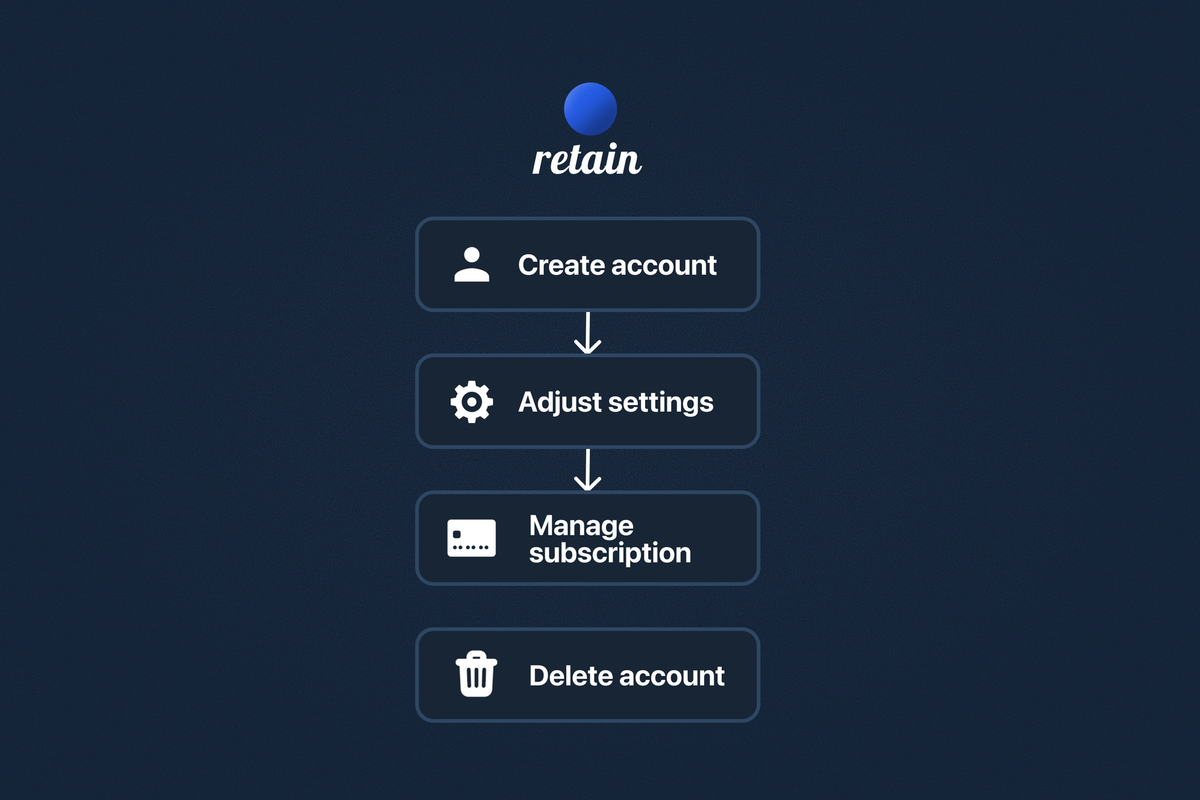
Retain is billed through the website, with Stripe, not through the Mac app or the iPhone app, and not as an in-app purchase on the App Store. The apps have no billing screen and no purchase button. This page covers the plans the website describes, how to subscribe, and where you manage or cancel a subscription. It lists no prices: the website shows them.
The plans
The pricing page at retainapp.ai/pricing describes three plans.
- Free. For getting started. The page lists 5 meetings a month, summaries and action items, Calendar and Linear connections, and 7 days of history.
- Pro. For people who rely on Retain every day. It lists unlimited meetings, unlimited history, links between meetings and drafted follow-ups.
- Team. For groups that want a shared meeting library and admin controls. Its button is contact us, not a checkout.
You can start on Free with no credit card. The Mac and iPhone apps do not show your plan or a meeting count, so the pricing page is where the plans are described.
Subscribe to Pro
Subscribing happens on the web, signed in to the same account you use in the app.
- Sign in at retainapp.ai, then open retainapp.ai/checkout. Add plan=monthly or plan=yearly to the address to choose the billing period; monthly is the default.
- If you are not signed in, the page sends you to sign in first.
- Retain sends you on to a Stripe payment page with your email address filled in. You pay there.
If you already have a subscription, the checkout page does not charge you again. It shows the subscription's status, the next billing date and, if you are on a trial, when it ends.
Change or cancel
On the same checkout page, an existing subscription shows Manage Subscription. It opens Stripe's billing portal in your browser, where you manage your payment method and your subscription, including canceling. If something you need is not in the portal, such as a change of plan or a refund, email support@retainapp.ai.
Cancel before you delete your account. Deleting the account removes your Retain records but does not cancel the subscription with Stripe. See Account.
What billing does not cover
Notebooks run on your Mac and Codex runs on your Mac with its own sign-in, so neither one is billed by Retain. Codex and Claude Code keep their own subscriptions. See Grounding a design in your codebase and Connect Claude Code or Codex.
Questions
For anything about a charge, a plan or a team, email support@retainapp.ai.
Need help?
Can't find what you're looking for? Contact our support team for a quick reply.